telegone
Support
Take your time.
We’ll help you through.
Help with setup, previews, backup warnings and interrupted cleanup.
Last updated: October 19, 2026.
Connect without sharing secrets
- For the current source build, register your own application at my.telegram.org/apps using Telegram’s instructions. The API ID identifies your application; the API hash is private.
- Enter your phone number in international format. Telegram may deliver a login code in an existing Telegram app rather than by SMS; follow its delivery instructions.
- Enter that one-time code when prompted. It is different from the API hash.
- If Telegram asks for a two-step verification password, enter the password enabled for that account. Telegone cannot reset it; use Telegram’s official recovery process.
A distributor-configured sign-in path exists in source, but registered production credentials still need configuration before a consumer release. Never borrow sample credentials or send yours to support.
Preview and review the audience
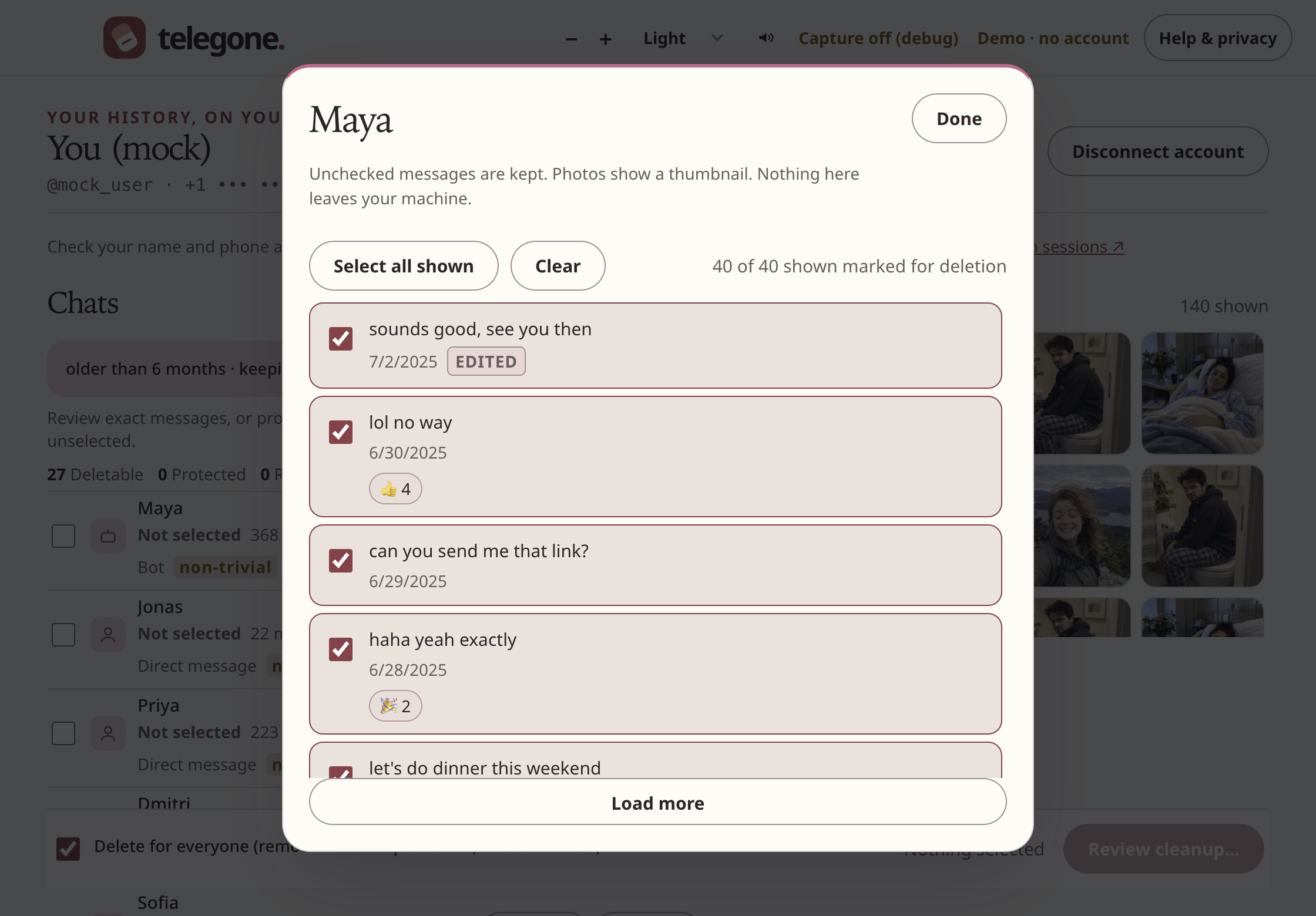
Start with the fictional demo to try the flow without connecting an account. In the desktop app, confirm the connected account, open previews and choose filters deliberately. Confirmation uses a frozen message set; later arrivals are not silently added.
A whole private-chat plan may include incoming messages. Groups and channels have different permissions and may not support “only for me.” Review the audience before confirming. Telegram deletion has no undo button; an export cannot restore deleted history into Telegram.
Read a backup result carefully
A successful export reports its actual folder. If saving the progress journal then fails, files may still exist: keep the displayed location and read the separate warning. Do not assume the export vanished.
A failed export may leave a clearly marked partial folder. Missing or unsupported content means it is not a complete backup. Check the error and destination before continuing. Retrying does not necessarily remove an earlier copy. Exports contain readable private information.
When work pauses or becomes uncertain
Telegram rate limits can pause work. Read the countdown and status. Supported encrypted storage lets the app keep a progress journal; continuing requires your explicit action and remains within the reviewed plan.
An uncertain outcome means a request may have reached Telegram without a conclusive response. It is not automatically treated as safe to retry. Check the receipt and the conversation before deciding what to do next. A failed connection does not prove that a message remains.
Local privacy controls
Clear cache removes cached media. Disconnect account removes the local session; review active devices in Telegram to revoke access, especially if remote logout could not be confirmed. Neither control removes exports you saved elsewhere.
Capture protection cannot stop every capture tool or a camera. Be careful when sharing your screen. Recoverable cleanup requires supported operating-system encryption; an unprotected fallback is refused.
Contact a human
Curiositech LLC
5441 S MACADAM AVE STE N
PORTLAND, OR, 97239, USA
Email [email protected] for support or privacy requests. You can also write to the address above.
Include your app version, operating-system version, action attempted and a short description. The app’s Help & privacy panel provides a limited diagnostic summary. Review and redact anything you send.
Never send login codes, passwords, API hashes, session files, unredacted receipts, message exports or intimate images. Keep security issues containing private details out of public issues. Use Your data rights for privacy requests or the public issue tracker for reproducible bugs without personal information. There is no paid support plan or guaranteed response time today.